
Agentic platform · Built and run by Digimasters
Concierge. Your secure, agentic workspace.
Concierge brings client, business and personal email, calendars, Teams and meetings into one calm, permission-controlled view. Then it sorts, tracks and briefs, within the rules you set.
The value
Agentic AI that takes on the routine work, inside rules you set.
Mail across every inbox, meetings back to back, promises made in passing: something always slips. Concierge picks up the routine work around them, so people spend their time on the work itself.
Where the time goes back
Filing
PM Helper files mail into project, client and finance folders, learns from how you file, and every change can be undone.
Chasing
Requests in email, Teams and meetings become actions with due dates. When one runs late, a chaser is drafted for you.
Writing up meetings
A transcript, or Copilot’s notes, becomes a summary, the decisions and the actions, and lands in your next brief.
Finding a time
Find a time with colleagues in seconds, or let guests book within your rules.
Catching up
Briefs arrive on your schedule by email or in Teams. Ask about your day and get reply drafts.
Handing work to AI agents
Your own AI agents, such as OpenClaw or Claude, work through Concierge and see only what you grant.
The same approach works for any organisation that runs on Microsoft 365 or Google. The assistant can’t send, book or approve anything by itself.
One calm view
Every inbox and calendar, in one place.
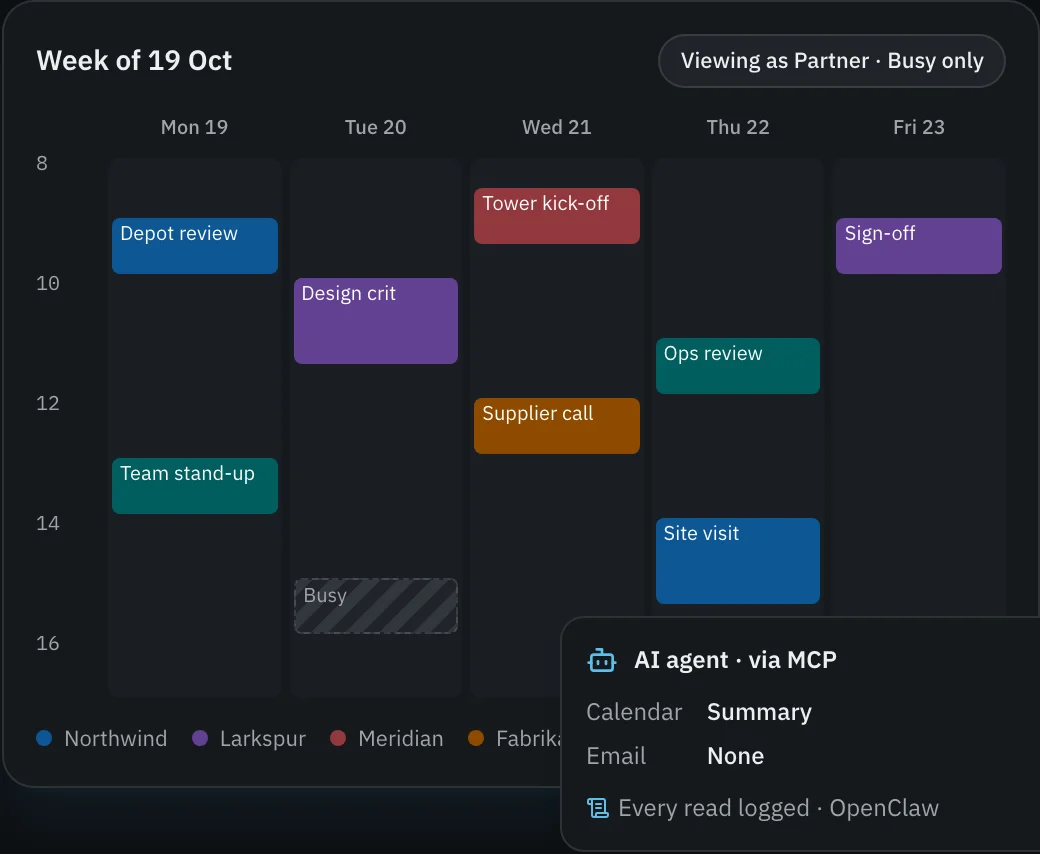
Client Microsoft 365 tenants, your business account, Outlook.com and Gmail: email, calendars and Teams together. Each person and AI agent sees only what they’ve been given. Here a partner sees busy-only time, and an AI agent gets a calendar summary and no email.
You stay in control
Agents that ask before they act.
AI agents connect with their own token and see only what you grant. They ask before emailing someone new or moving a client’s meeting.
- One gate for every read and every action, by people and AI agents alike, and all of it logged.
- Sign-in happens on Microsoft’s and Google’s own pages. Passwords are never seen or stored.
- Client IT approves access, and nothing goes to someone new without your OK.
- AI stays off until an organisation turns it on, and its admins choose the providers.
- Data is stored in the EU (Amsterdam), each organisation’s is kept apart, and it is encrypted under that organisation’s own key.
Watch it
Two short films, on the Concierge site.
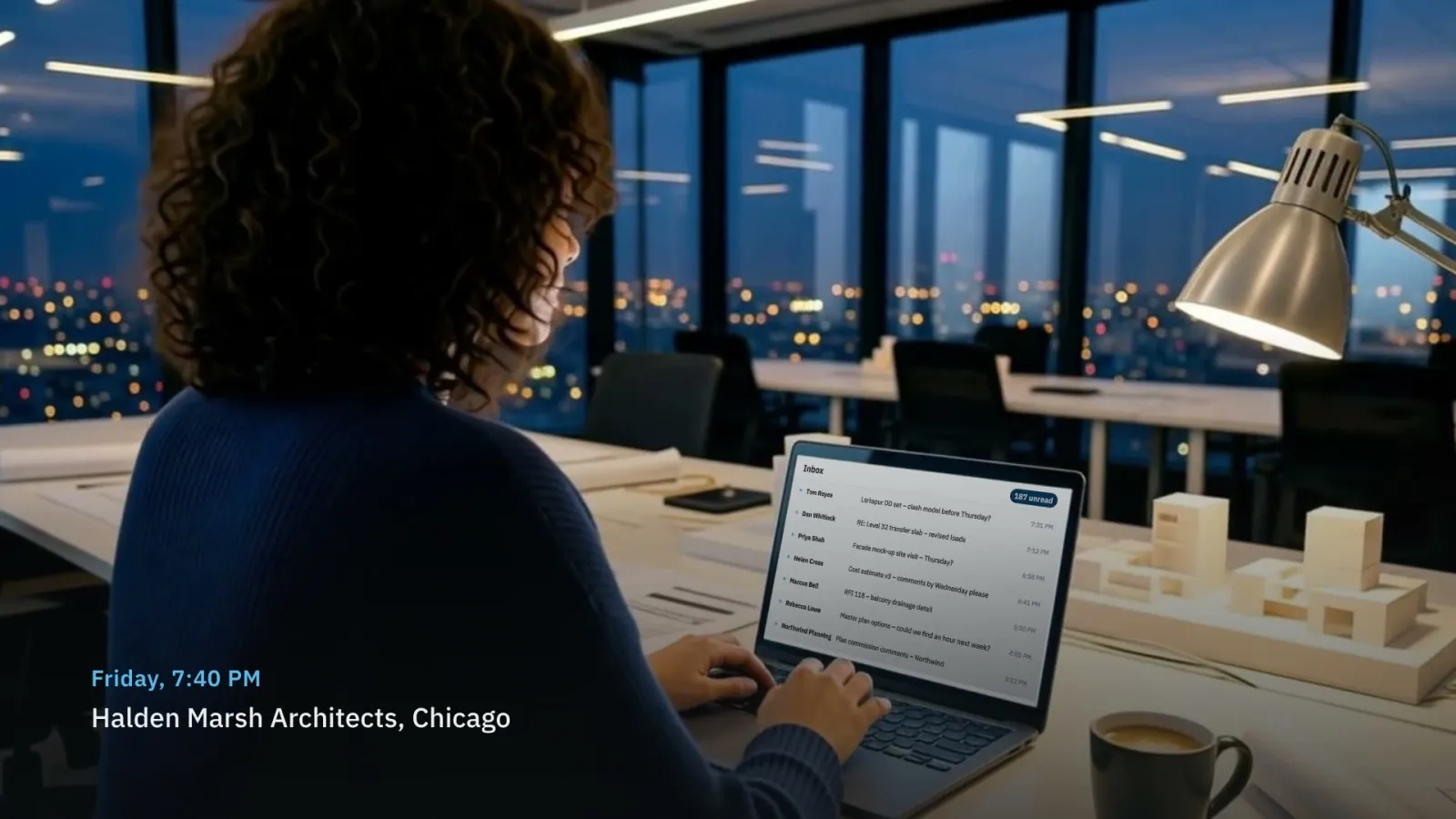 Why Concierge · 4 min 44 sA week at an architecture firm, from a Friday-night inbox to a clear Friday. (opens the Concierge site in a new tab)
 How Concierge works · 2 min 19 sWhat it connects to, how mail, meetings and promises flow through it, and the controls around it. (opens the Concierge site in a new tab)
Both are narrated, with English captions. The firm, its people and its clients are fictional.
How it works
Three steps to a calmer week.
- 01
Connect your accounts
Sign in to each client, business and personal mailbox on Microsoft’s or Google’s own page.
- 02
Decide who sees what
Set what each person and AI agent can see and do, account by account. Change it any time.
- 03
Work smarter
Concierge sorts, tracks and briefs: in the app, by email and Teams, on booking pages or through your AI agents.
Concierge is a private tool, run by Digimasters for its own team and the organisations that use it through us. It doesn’t take public sign-ups.
Talk to us
Want Conciergein your organisation?
Organisations use Concierge through Digimasters. Tell us how your team works.